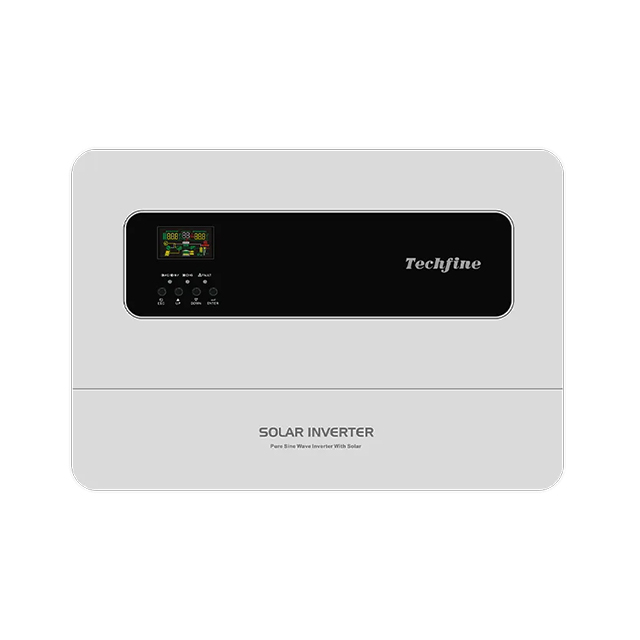
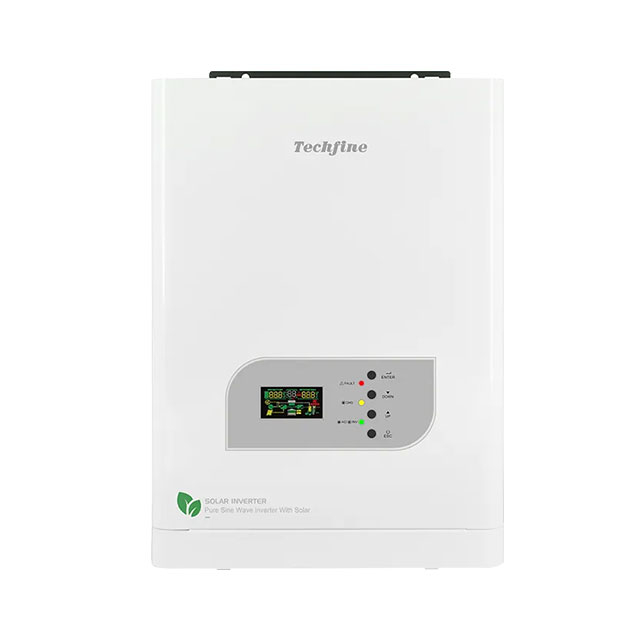
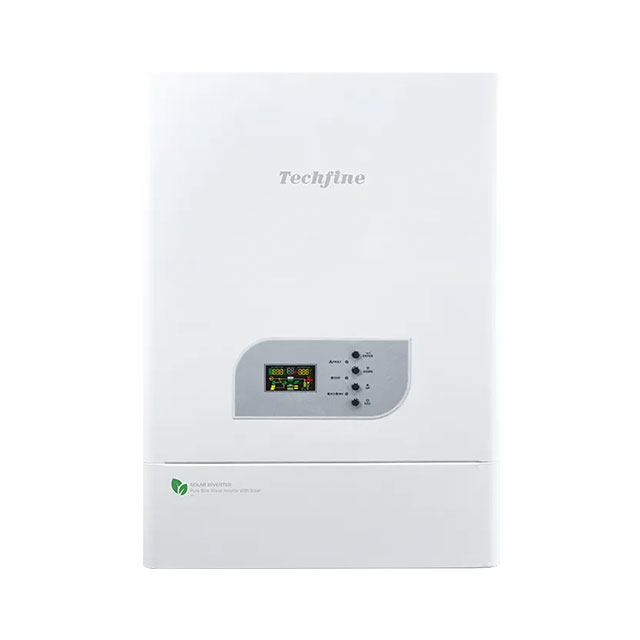
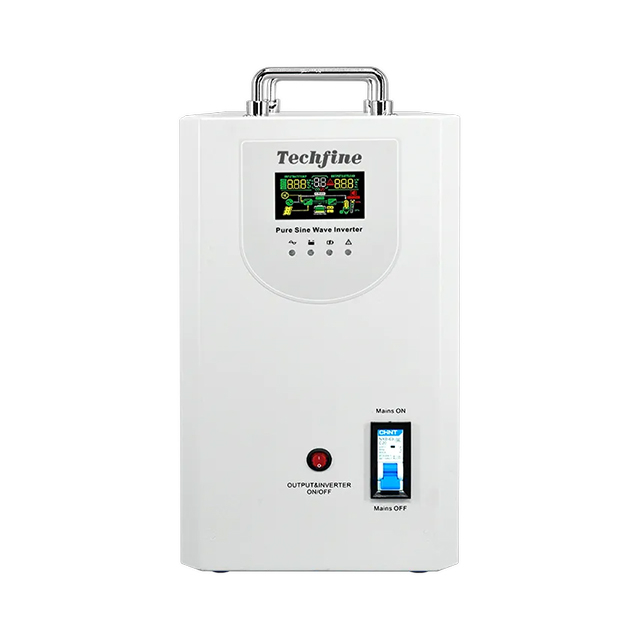
JV Series Off-Grid Inverter

JV Series Low-Frequency Inverter/Charger 3-5 kW

JV Series Low-Frequency Inverter/Charger 3-5 kW

Parameter | JV3824/3848 | JV5024/5048 | JV6324/6348

Power input | 220 VAC (standard) / 110 VAC (custom)

Input voltage range | 220 V model: 154-264 VAC ±3 V (normal) / 185-264 VAC ±3 V (UPS); 110 V model: 77-132 VAC ±3 V (normal) / 92-132 VAC ±3 V (UPS)

The JV series belongs to the off-grid solar inverters range. Review the exact model in the specification table rather than selecting on the series name alone.

Parameter | JV3824/3848 | JV5024/5048 | JV6324/6348 Power input | 220 VAC (standard) / 110 VAC (custom)

Structural Features

Key features of the JV platform:

Product Advantages

Parameter | JV3824/3848 | JV5024/5048 | JV6324/6348

Power input | 220 VAC (standard) / 110 VAC (custom)

Input voltage range | 220 V model: 154-264 VAC ±3 V (normal) / 185-264 VAC ±3 V (UPS); 110 V model: 77-132 VAC ±3 V (normal) / 92-132 VAC ±3 V (UPS)

Input frequency | 50/60Hz±5%

Rated output power | 3000W | 4000W | 5000W

For a JV quotation, send the exact model, quantity, destination market, electrical requirements and expected operating duty. Identify any branding, packaging or documentation requirements separately so the supplied configuration is clear.

Technical Parameters

Before You Order

Use the JV electrical limits as the starting point for system design. Confirm the AC supply where applicable, battery voltage, PV string limits and equipment connected to the output. Optional functions must be specified with the order.

0/5

Electrical Match

Selection Checklist

Check the battery and charging requirements for the selected JV model. Match permitted charge and discharge current, charging profile and any supported BMS protocol. A matching connector or nominal voltage alone does not confirm compatibility. For a battery-free or DC-only product, use only the interfaces listed in its model table.

0/5

Installation Plan

Selection Checklist

Install the JV product within the temperature, ventilation and enclosure conditions stated in its manual. Specify cable sizes, isolation and protection through a qualified installation design. Product dimensions and clearances should be checked before cabinet or mounting work.

0/5

Supply Configuration

Selection Checklist
Discuss Your JV Configuration

JV Series — Selection and Application

The JV series belongs to the off-grid solar inverters range. Review the exact model in the specification table rather than selecting on the series name alone.

Parameter | JV3824/3848 | JV5024/5048 | JV6324/6348 Power input | 220 VAC (standard) / 110 VAC (custom)

Model selection

For JV, first identify the required electrical interface and continuous load.

Parameter | JV3824/3848 | JV5024/5048 | JV6324/6348 Power input | 220 VAC (standard) / 110 VAC (custom)

Operating features

Parameter | JV3824/3848 | JV5024/5048 | JV6324/6348

Power input | 220 VAC (standard) / 110 VAC (custom)

Input voltage range | 220 V model: 154-264 VAC ±3 V (normal) / 185-264 VAC ±3 V (UPS); 110 V model: 77-132 VAC ±3 V (normal) / 92-132 VAC ±3 V (UPS)

Input frequency | 50/60Hz±5%

Rated output power | 3000W | 4000W | 5000W

System integration

Use the JV electrical limits as the starting point for system design. Confirm the AC supply where applicable, battery voltage, PV string limits and equipment connected to the output. Optional functions must be specified with the order.

Battery and charging

Check the battery and charging requirements for the selected JV model. Match permitted charge and discharge current, charging profile and any supported BMS protocol. A matching connector or nominal voltage alone does not confirm compatibility. For a battery-free or DC-only product, use only the interfaces listed in its model table.

Installation planning

Install the JV product within the temperature, ventilation and enclosure conditions stated in its manual. Specify cable sizes, isolation and protection through a qualified installation design. Product dimensions and clearances should be checked before cabinet or mounting work.

Monitoring and interfaces

Check which monitoring ports and communication options are included on the selected JV model. Confirm accessory hardware, protocol and firmware before relying on remote monitoring, battery communication or expansion.

Frequently asked questions

Which JV model should I choose? Start with the model table and the loads or battery system, then confirm the final configuration before ordering.

Are all optional functions included? No. Availability depends on the model, hardware and agreed supply specification.

Can I combine data from different catalogues? Use one matching model and revision. Confirm any differing values with the supplier.

Discuss your requirements

Contact Techfine Group with your JV requirements. Include the model and the application so the electrical configuration and supporting documents can be checked.

Contact Techfine Group