Standby, line-interactive and online UPS systems protect loads through different power paths. Choosing among them starts with the equipment’s supply requirements and the disturbances expected at the site. A topology name is useful, but it does not replace checking waveform, transfer behavior, capacity and the exact operating mode. Compare those requirements before deciding that the least expensive or most complex option is automatically the right one.
Begin with the load’s tolerance
Identify what the UPS must keep operating and what an interruption would do. A home router, a workstation, a storage system and an industrial controller can have different requirements. Ask whether the aim is a short opportunity to save work, continued network service or a defined process outcome. The answer shapes the supply specification.
Collect the equipment’s voltage, frequency, input power and relevant power-quality requirements. Include every device needed for the service, not only the main computer. If a network switch loses power, keeping a server running may not preserve the intended connection. Topology selection belongs with that complete service picture.
Understand the standby arrangement
A standby UPS normally supplies the load from utility power and changes to battery-supported inverter operation when its switching conditions are met. The selected model’s transfer behavior and battery-mode output need to suit the connected equipment. Do not assume that every standby model provides the same waveform or transfer specification.
This arrangement can be appropriate for a modest requirement when the load tolerates its behavior and the site conditions fit the product. Assess the actual duty rather than dismissing a topology solely because it is simpler. Conversely, a low purchase price does not justify using a model whose output is unsuitable for the equipment.
Understand the line-interactive arrangement
A line-interactive UPS can regulate specified utility-voltage variations while remaining on the normal input path, then use battery operation when required. The useful questions include the regulation range, switching thresholds, battery-mode output and transfer behavior. Confirm those values for the exact voltage version and load condition.
At a site with recurring voltage variation, the regulation function can be part of a practical selection. It does not imply that all input disturbances are corrected or that battery operation never occurs. The product’s supported range and the connected equipment’s requirements determine whether the arrangement is suitable.
Understand online double conversion
In normal online double-conversion operation, power passes through the conversion path supplying the output. This architecture can provide continuity characteristics useful to demanding loads. However, bypass or efficiency modes can use a different path. Check the mode being proposed instead of treating the word online as a promise about every possible operating state.
Eaton’s UPS topology guide explains the principal architectures. Use it to understand the distinction, then compare the actual UPS specifications. A general architecture explanation is not a guarantee of runtime, reliability or compatibility for a particular model.
Compare the questions that change the decision
| Requirement | What to check | Why the topology label is insufficient |
|---|---|---|
| Continuity | Transfer behavior in each intended mode | Mode changes can alter the power path |
| Voltage quality | Regulation and accepted input conditions | Ranges and control behavior are model-specific |
| Load compatibility | Output waveform and equipment requirements | Products within a topology can differ |
| Capacity | Both watt and VA ratings | Architecture does not determine usable power alone |
| Runtime and management | Battery configuration and supported signaling | These require separate specification checks |
Use the table as a quotation checklist rather than a ranking from worst to best. Two installations with the same load power can need different solutions because their supply quality, interruption tolerance and service responsibilities differ.
Evaluate the site as well as the UPS
Record the type of power problem the site actually experiences. Brief outages, persistent undervoltage and an unreliable upstream source present different questions. If power-quality data is available, provide it to the designer or supplier. A vague report of bad power makes it harder to select and verify the appropriate equipment.
Also assess the physical installation. Space, temperature, ventilation, noise, plug compatibility and service access can affect the practical choice. A technically attractive UPS that cannot be maintained conveniently at the site may create a poor long-term arrangement.
Keep runtime separate from topology
Online does not automatically mean longer runtime, and standby does not define a fixed number of minutes. Battery configuration, load and operating conditions determine the supported duration. Request the runtime evidence for the exact model and battery arrangement at the intended load.
Decide whether the required duration supports a controlled shutdown or continued operation. Include the time needed for software and network actions where relevant. A topology comparison that ignores this objective can result in good supply continuity followed by an unexpectedly early loss of power.
Include monitoring and shutdown requirements
If the UPS protects a server or storage system, identify the supported communication path and software. A UPS can continue supplying power while the protected computer remains unaware that the battery is running down. Communication and shutdown compatibility must be confirmed separately from the conversion architecture.
Assign responsibility for alerts and battery service. Equipment selection should fit the organization that will operate it. A sophisticated management option has little value if it is not installed, configured and handed over to someone who can respond.
Compare the Techfine platforms by exact model
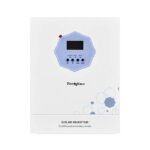
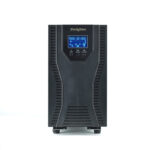
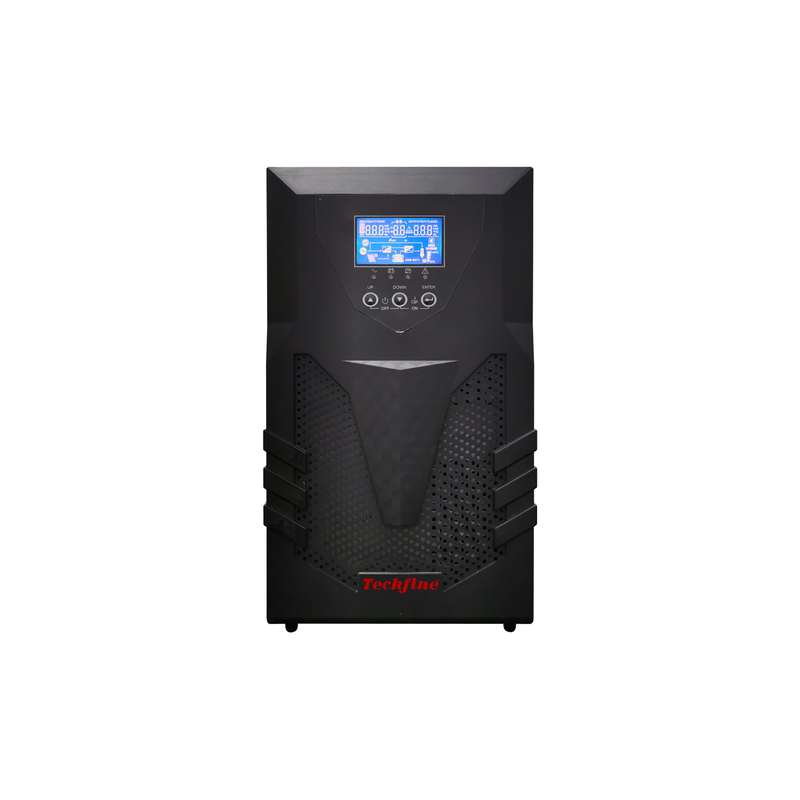
The Techfine CQ series is identified as online UPS, while the CYF series is identified as line-interactive. The K series provides another backup product starting point. Confirm the selected model’s output, battery arrangement and operating behavior rather than combining specifications from different variants.
Send the equipment list, site conditions, runtime objective and communication requirements with the enquiry. Ask the supplier to show how the proposed model meets those needs. That produces a more useful comparison than requesting a UPS by topology and VA alone.
Make the comparison reviewable
Ask each quotation to identify the normal power path, the intended mode and the model-specific evidence for load compatibility. Keep a separate line for exceptions, such as a feature requiring an accessory or an efficiency mode changing transfer behavior. This lets the buyer compare complete proposals rather than short feature lists.
Before acceptance, agree how the protected service will be observed during the approved commissioning plan. Record the selected mode with the result. A successful demonstration in one mode should not be silently extended to another mode that uses a different power path.
Frequently asked questions
Is online UPS always required for a computer?
No universal rule covers every computer and site. Match the exact equipment requirements and consequences of interruption to the proposed UPS behavior.
Does line-interactive mean no battery switching?
No. Regulation and battery operation serve different conditions. Review the supported range and transfer behavior.
Can a topology name establish output waveform?
Do not rely on the name alone. Check the selected model’s specification, particularly its battery-mode output.